
Keep You Dymo Clean With Cleaning Cards
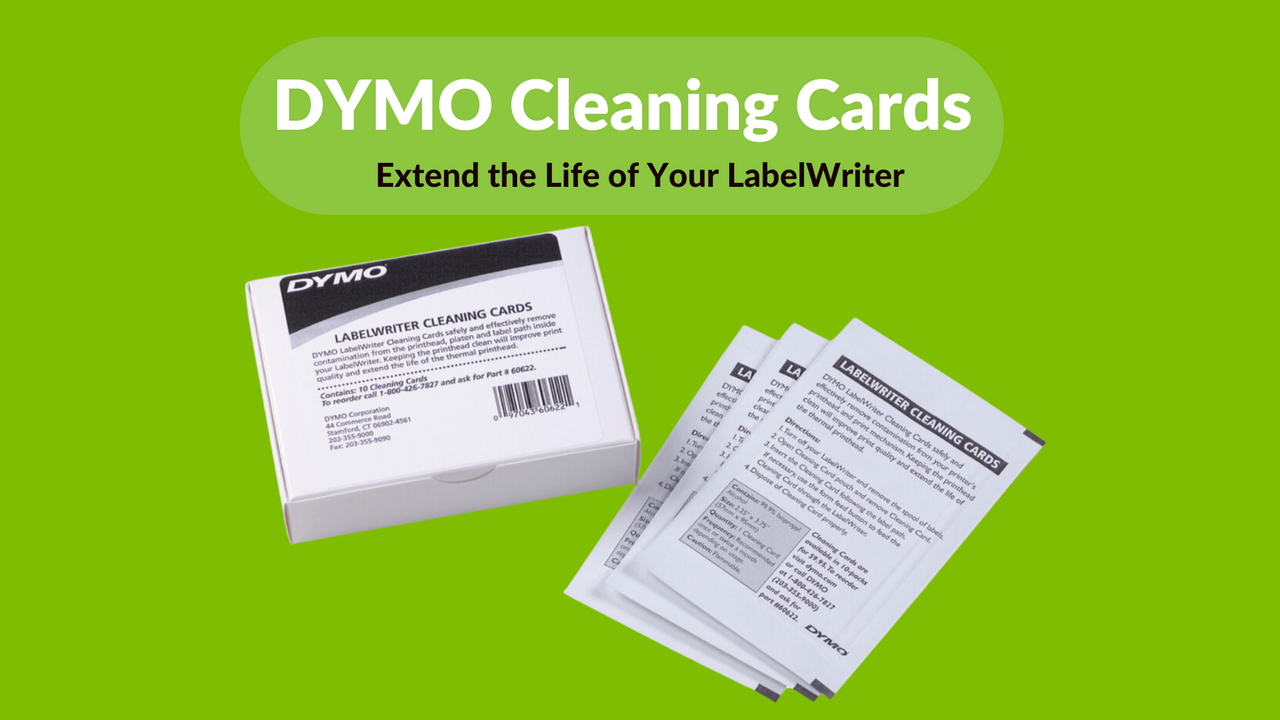
Unlock a new level of durability and quality in your label printing with a simple maintenance step.
Every professional knows that the secret to long-lasting equipment is regular maintenance. When it comes to your DYMO LabelWriter, keeping it clean not only enhances its performance but also extends its lifespan. DYMO Cleaning Cards are an essential tool for maintaining your LabelWriter’s optimal function.

Why Clean Your LabelWriter? The heart of your LabelWriter is its thermal printhead, a delicate component that directly affects the quality of your labels. Over time, debris and residue can build up, leading to poor print quality and potential damage. Regular use of DYMO Cleaning Cards ensures that your LabelWriter remains in top condition, providing clear, professional labels every time.
What Are DYMO Cleaning Cards? DYMO Cleaning Cards are designed specifically for cleaning the printhead, platen, and label path inside your DYMO LabelWriter. These cards are infused with a special cleaning solution that effectively removes contamination without harming the sensitive thermal printhead.
Step-by-Step Guide on Using DYMO Cleaning Cards:
- Turn off Your LabelWriter: Ensure your device is turned off and unplugged from any power source before cleaning.
- Insert the Cleaning Card: Slowly insert the cleaning card into the label feed, as you would with a regular label roll. The card’s texture and cleaning solution work together to pick up dust, ink residue, and other contaminants.
- Run the Cleaning Cycle: Turn on your LabelWriter and feed the cleaning card through it. You may need to manually adjust settings to ensure the card passes over the printhead and through the label path effectively.
- Repeat if Necessary: For heavily used machines or visible residue, a second pass with a new cleaning card might be necessary.
- Resume Printing: Once the cleaning process is complete, remove any parts of the cleaning card left behind, and load your label roll back into the machine. Your LabelWriter is now ready to produce high-quality prints.
Benefits of Regular Cleaning:
- Improved Print Quality: Regular cleaning prevents the build-up of dust and residue, ensuring crisp and clear labels.
- Extended Printhead Life: Keeping the printhead clean reduces wear and tear, significantly extending its operational life.
- Avoid Costly Repairs: By maintaining your LabelWriter’s cleanliness, you minimise the risk of malfunctions that can lead to costly repairs or replacements.
Your DYMO LabelWriter is an invaluable tool for your office, shipping department, or manufacturing facility. Maintaining it with DYMO Cleaning Cards is a simple yet effective way to ensure it continues to serve your needs efficiently and reliably. Don't let poor maintenance shorten the life of your valuable office equipment. Invest in DYMO Cleaning Cards today and keep your LabelWriter performing like new.
Ready to enhance the longevity and performance of your LabelWriter? Visit our website to purchase your DYMO Cleaning Cards and explore other essential maintenance tips for your office equipment.
Latest News
Asset Labelling Solutions for Australian Schools: The 2026 Buying Guide
Imagine walking into a classroom at the end of term only to find that dozens of new student laptop...
The Ultimate Guide to Professional Archive Box Labelling Systems
Imagine the frustration of an urgent compliance audit where the only thing standing between you an...
How to Print Address Labels from Excel: A Step-by-Step Guide for Australian Businesses
How much time did your team spend this week manually typing customer addresses into a template, on...
The Truth About Dymo Labels: Myth-Busting Genuine vs Generic in 2026
On a busy Monday morning, an Australian business owner discovers their printer has ground to a hal...
Best Address Label Printer for Mac in Australia: 2026 Buying Guide
Updating your macOS shouldn't feel like a gamble with your office hardware, yet many Australian prof...
Choosing the Right DYMO LabelWriter 550 Labels: A Specialist Guide for Australian Businesses
Imagine you've just unboxed a new LabelWriter 550 Turbo, ready to streamline your warehouse shipping...